Improving Surgical Outcomes
Surgery TV is the only platform
which gives surgeons total
control over their surgical video
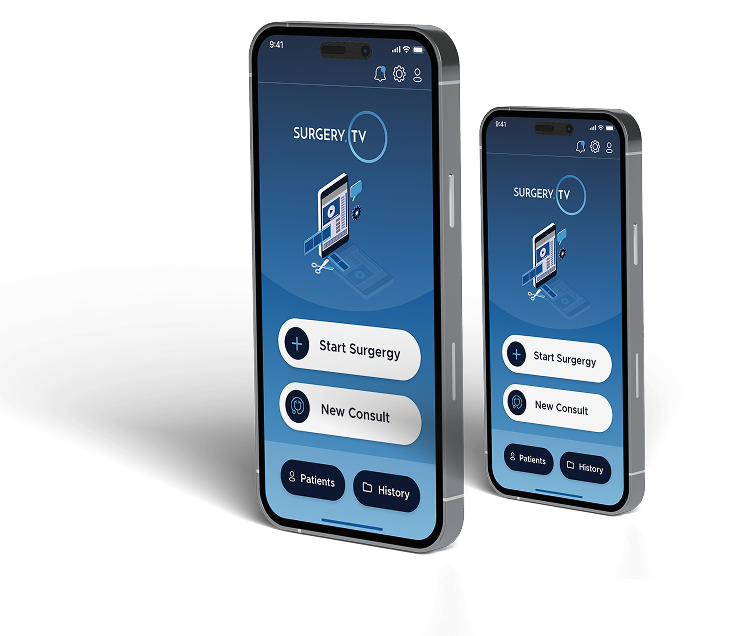
How does it work?
Access your video on your iPhone or iPad the moment you have finished the procedure and store it in the secure cloud library for medico-legal protection.
Create an impactful showreel of the procedure so that you can show it to your patient or their GP.
Never lose a video again. Store all your video in the one secure cloud storage library ‐ whether it be on a microscope, endoscopic stack, theatre cameras or head mounted camera.
Market yourself and prove your expertise by publishing your show-reel videos on the public video library.
We have broken it down into 3 simple steps.
- Download Surgery TV from the app store
- Register using your Apple, Google or Microsoft account
- Scan the Surgery TV QR code on your Microscope/Endoscope
- Follow the prompts to start recording *
* Note that on some equipment, you may need to first press record or stream on the medical device
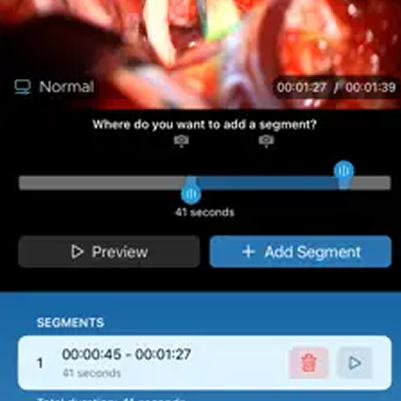
- Create yourself a 3-6 minute showreel of the operation
- Optional: Select and annotate some still images
- Optional: do your operation documentation
- ✓ Done.
KEY FEATURES
Surgical Video
Within 2-3 minutes of finishing surgery and picking up your phone, you will have created a short and impactful showreel from the raw video, taken some still-photos from the video or using the camera. You can even complete your surgical documentation using the templates that you have previously written.
When you speak to the patient and their family at rounds or post-operation consult, you can talk them through the operation by showing them the showreel.
Surgical Equipment
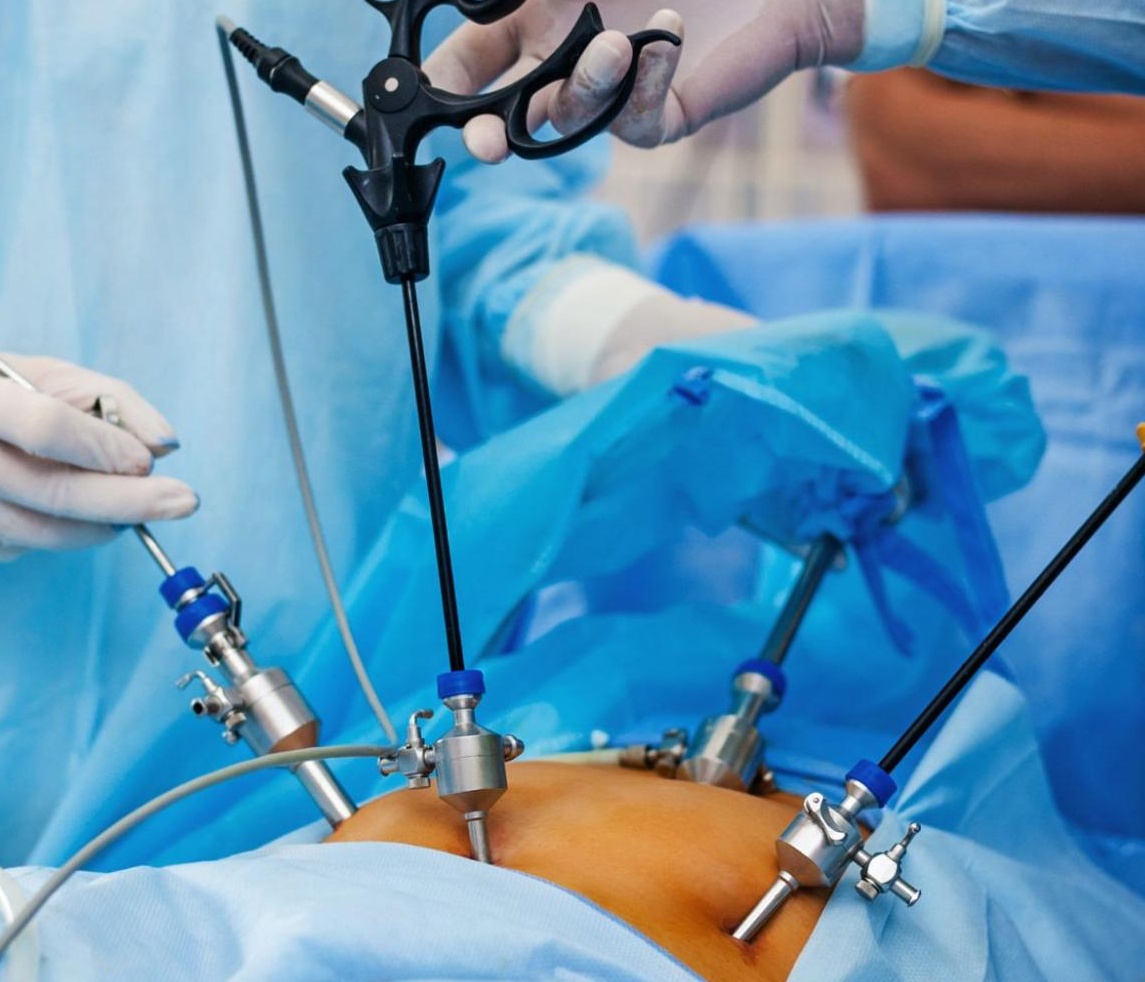
Surgery TV works with the leading manufacturers of surgical microscopes, endoscopic stacks, cameras and head mounted micro-cameras.
We give you access to the most extensive set of video-creation devices that is available.
If you are not sure, please contact our team to talk about your specific surgical equipment.
Secure Integration
Now that you have a secure video library of every operation, you can start using our integration services.
Surgery TV integrates with your patient management system using MedicalObjects.
Within minutes, we will send a document to your PMS containing a link to the showreel, annotated photos and operation record


Hospital Consults
Invoice EVERY consult.
Are you still sticking patient stickers into your notebook, then sending a photo of each page to your admin team?
Office based consults are great, your admin team handles the paperwork and billing. But when you are doing bedside consults the extra paperwork can often be forgotten. You can streamline your invoicing and keep your notes simply by using the consult feature within the Surgery TV app on your iPhone. Scan the patient sticker in the app, put in some notes, and confirm the item number.
At the end of the day, Surgery TV will let your admin team know who to bill and how much! And if you are going away for a week, simply give your on-call colleague access to your consult information to ensure your patients get the best service. And best of all ‐ this is included at no cost to surgeons who already use Surgery TV
Increase your profit with Surgery TV!
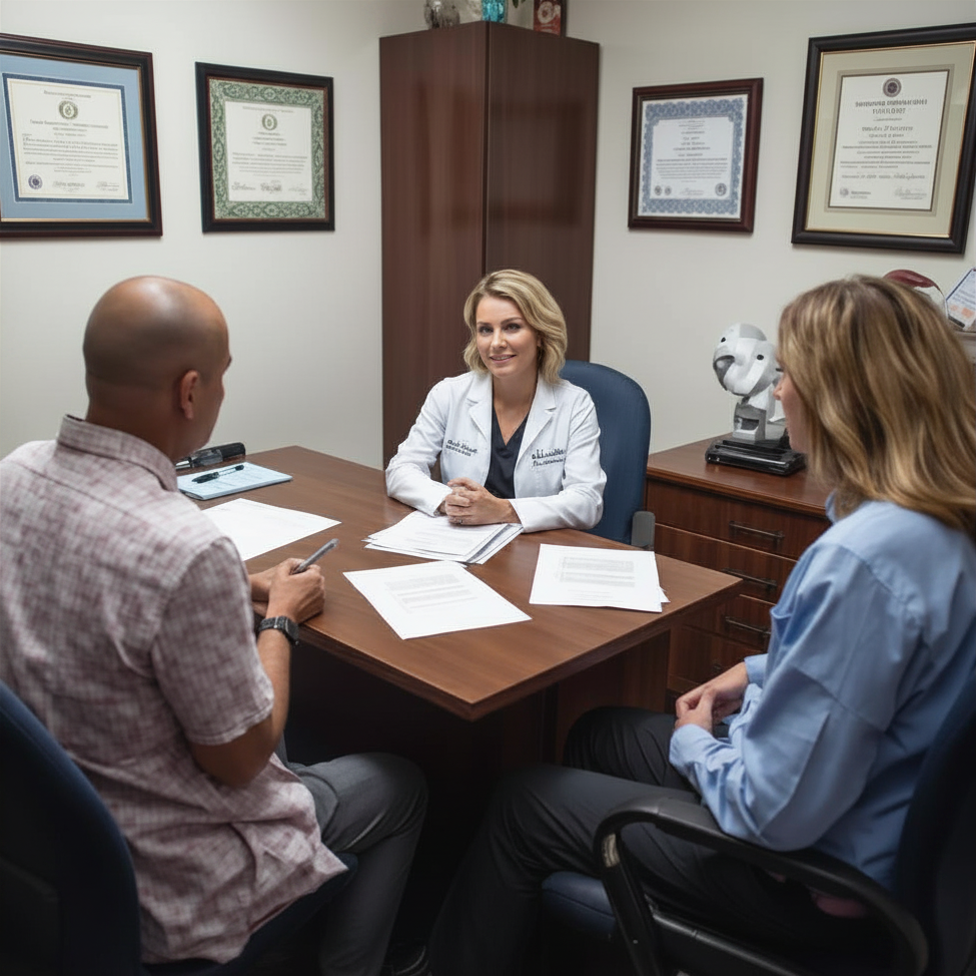
Record consent discussions
Using the Surgery TV application, you can record the consent discussion and link it to the patient record in your practice management system.
You can use the iPhone audio, front/back cameras or even a network camera on the wall in your rooms
This recording puts the entire discussion on record should it be required in the future.